Self Install
Documentation and guidance for self-installing digital signage in IKEA stores.
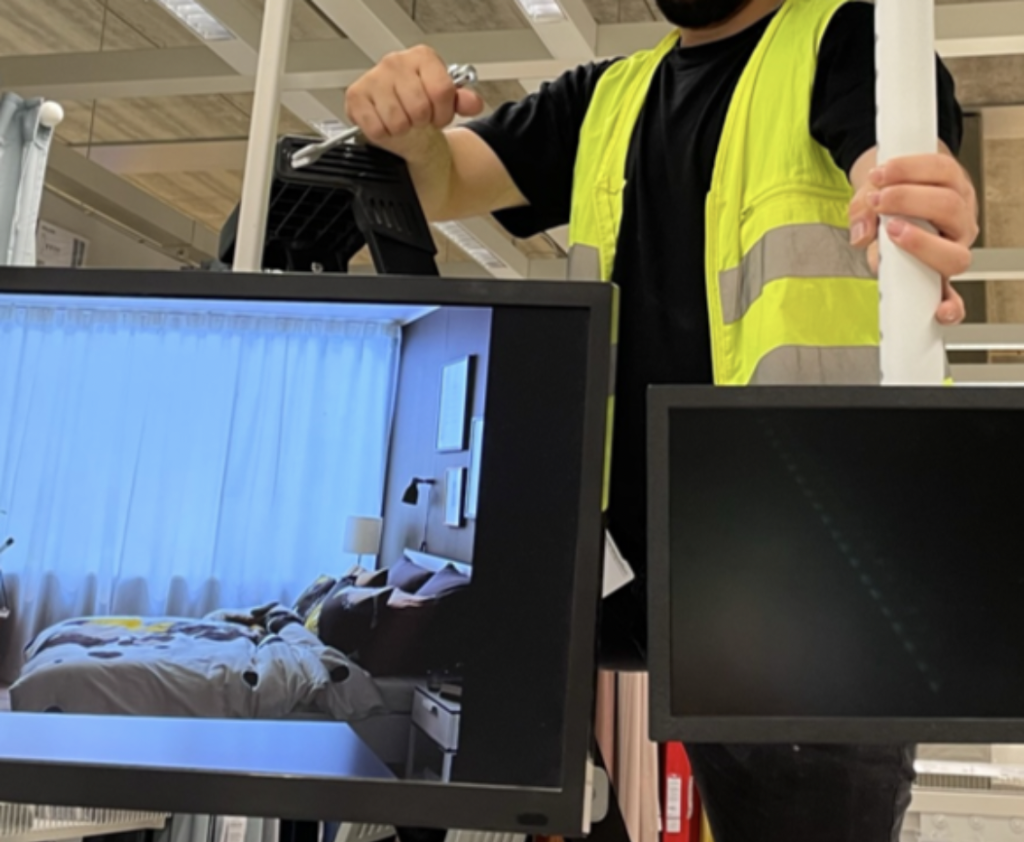
Self Install Option
ZetaDisplay offers a self-install option for most screen sizes up to 98″, allowing IKEA stores to carry out the installation themselves.
Advantages include:
- Approximately 20% lower cost on modules
- Greater control and flexibility over installation timing, without external coordination
- Reduced carbon footprint
Liability Waiver
By choosing the self-install option, the IKEA store assumes full responsibility for carrying out all installation activities at the store premises. Please note the following conditions apply:
-
Any transport or shipment damage must be reported to ZetaDisplay immediately and before the equipment is installed.
-
Once the equipment has been unpacked by IKEA, ZetaDisplay can only provide limited factory warranty if the equipment is found to be faulty.
-
ZetaDisplay provides basic technical support during self-installation via telephone or email only.
-
The self-installation is considered complete, and the invoice will be issued when either of the following occurs:
-
ZetaDisplay can verify, or is informed, that the screen has been added to the CMS, or
-
Five (5) calendar days have passed since the equipment was shipped.
-
-
If the IKEA store requests professional installation support from ZetaDisplay after attempting a self-installation, on-site assistance can be provided as an additional service.
Responsibilities
IKEA Store Tasks
- Complete store information sheet and send back to ZetaDisplay for CMS setup.
- Make sure the network is available for the screens, e.g. VLAN168 and there is 24/7 power.
- Install the screens.
Zeta Display Tasks
- Organize shipment of the equipment to IKEA.
- Provide store information sheet.
- Set up players and locations in CMS upon receiving completed sheet.
- Provide installation Guides