ZETADISPLAY SAAS STRUCTURE THE SCOPE
The right of use of ZetaDisplay’s standard software and related services cover players and non-interactive monitors delivered and verified by ZetaDisplay and/or its affiliates.
IKEA has the right to use the SaaS-Solution if IKEA pays for the service. IKEA is bound to pay the agreed price during the contract period, however for at least 3 years.
To make it easier for IKEA, ZetaDisplay offers IKEA the choice to pay for 3, 4 or 5 years in advance for the SaaS-Solution via ISHOP. After the chosen period, IKEA pays for the SaaS-Solution annually in advance. ZetaDisplay invoices IKEA after the selected invoice period expires.
All services included in SaaS-Solution are mandatory for IKEA and cannot be purchased separately.
ZETADISPLAY SOLUTION AND TEMPLATES
1. ZetaDisplay´s platform
- Cloud service for material delivery and storage
- Log-in to the solution via web-interface
2. Content management system with the following features:
- Uploading videos and pictures
- Building playlists
- Timing content
- Building delivery groups
- Previewing content
3. Templates
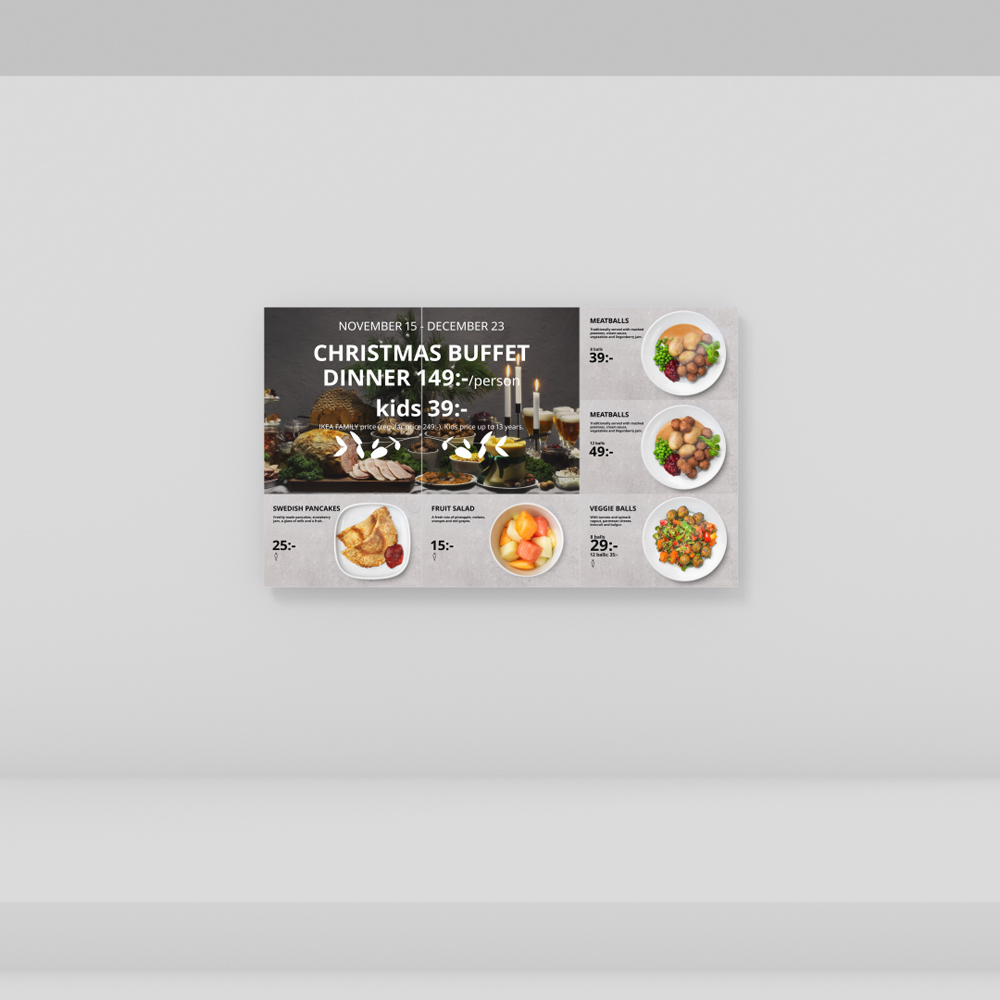
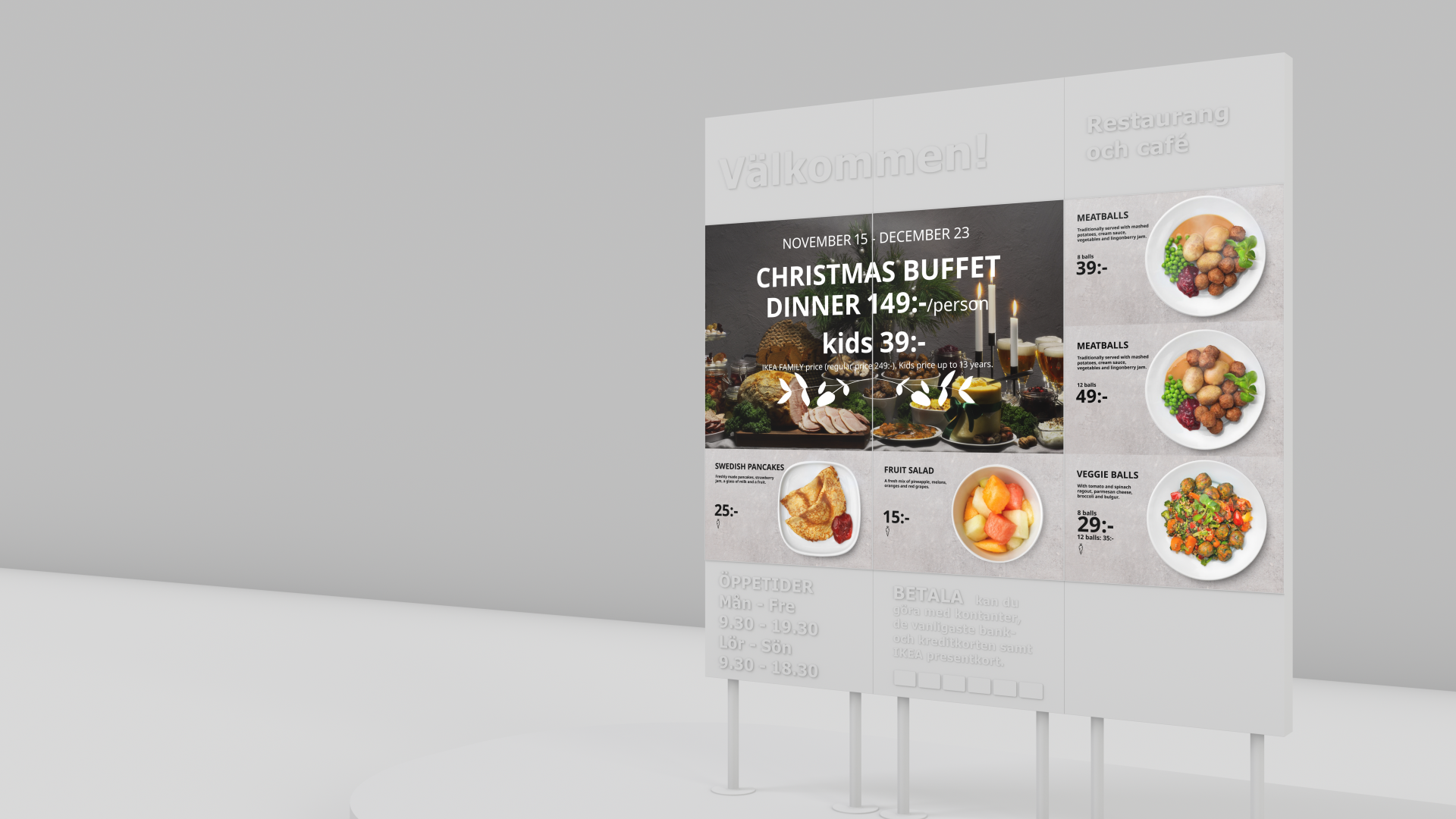
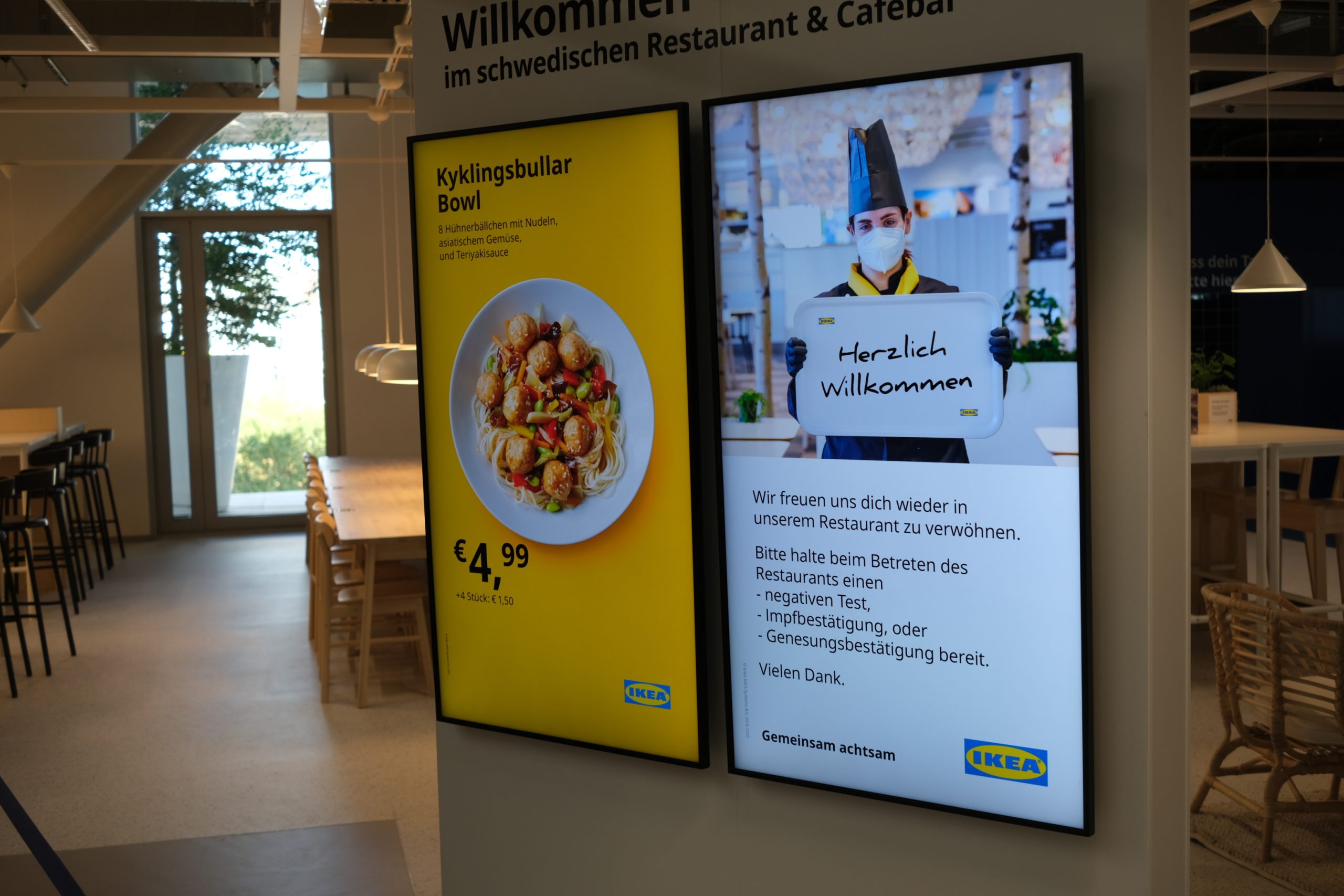
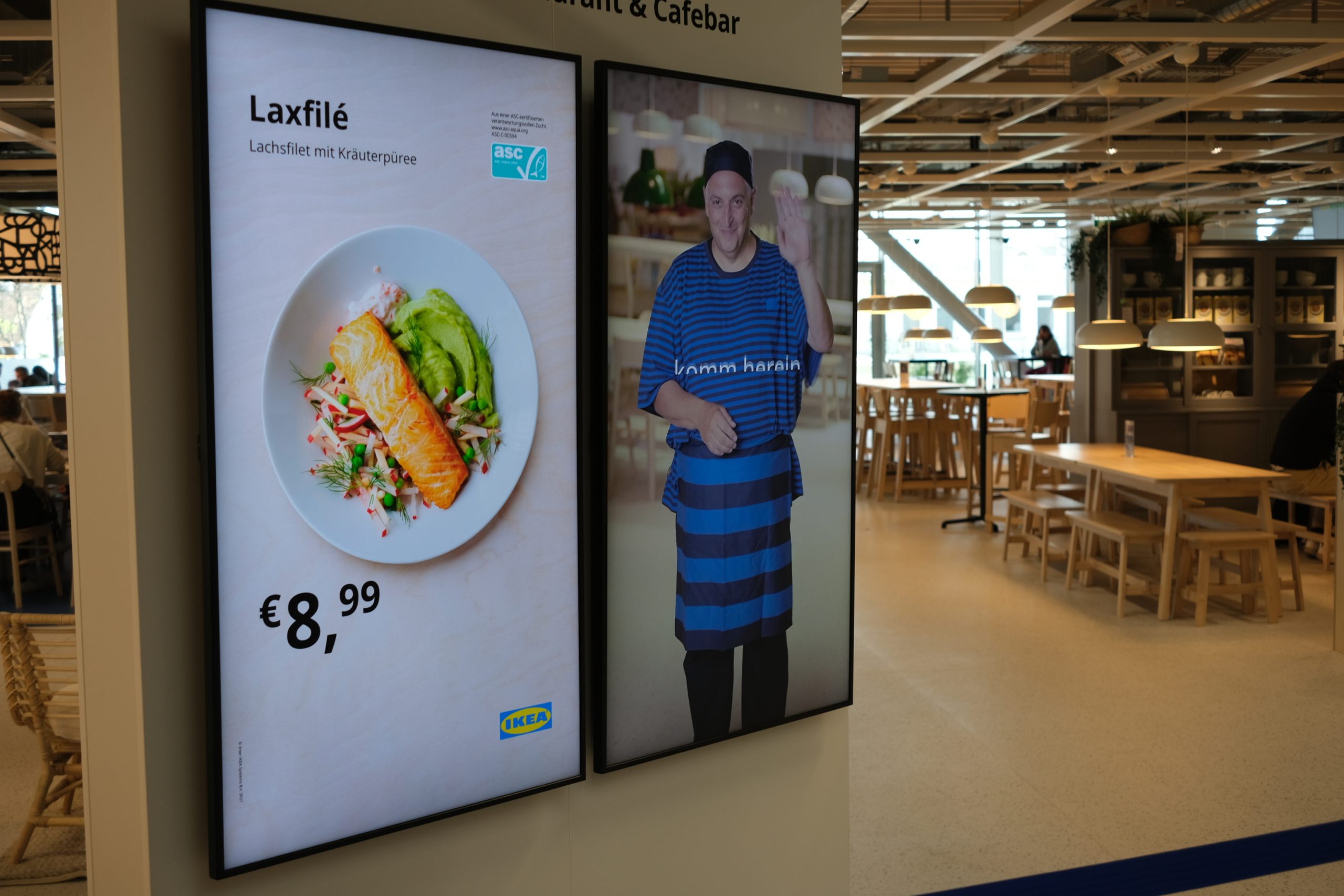
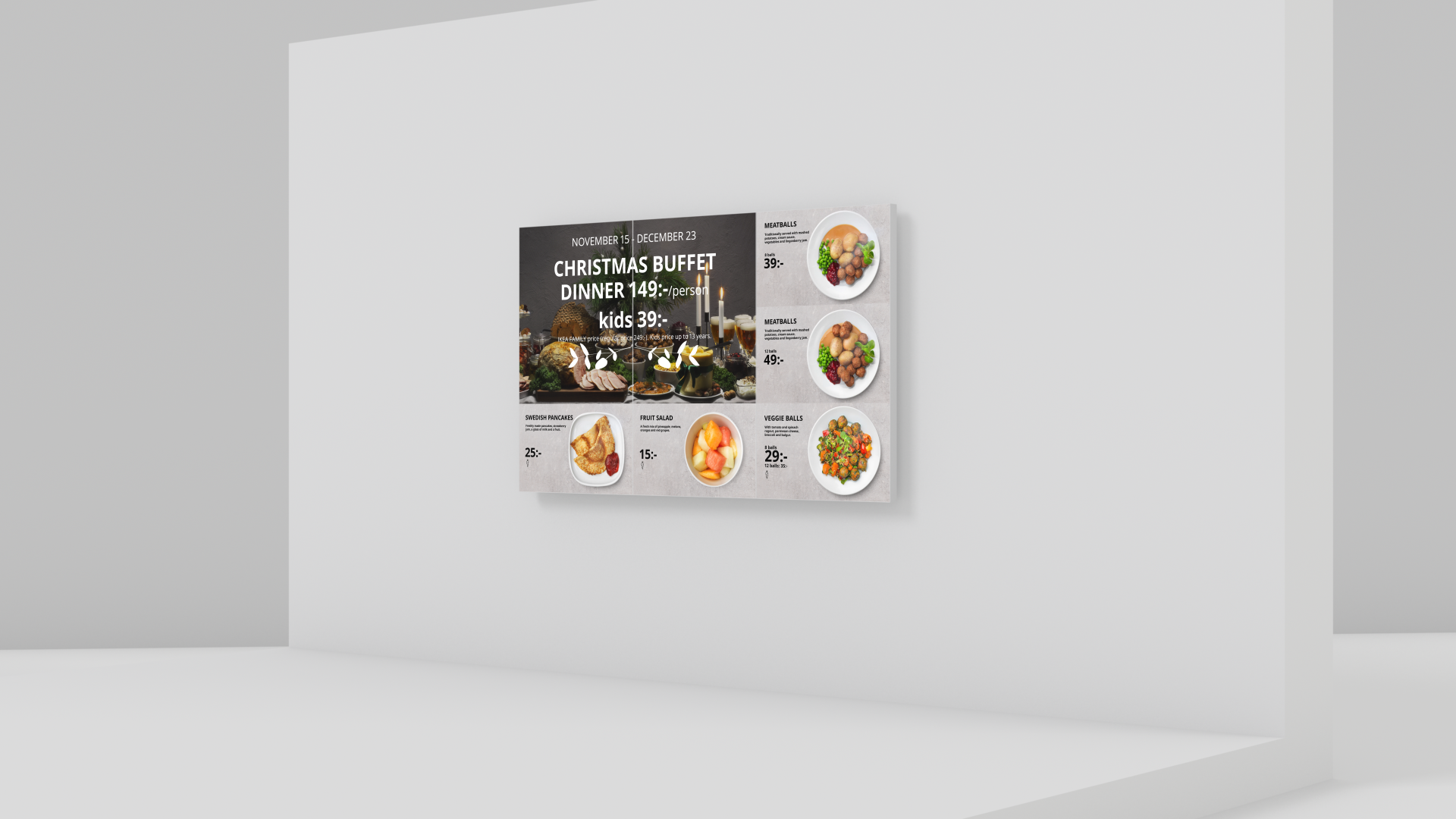
- Generic templates that can be used on any regular display that is 16:9 or 9:16 format
1. Slideshow template
2. Text, price, image template
3 Market Initiative template - IKEA Family templates for use on any IKEA Family solution available in iShop
- Basic restaurant template (adjustment on allergy icons, text, prices, currency etc. will be charged per hour.)
4. Software parts
- Standard ZetaPlayer software and updates
- Current SOC software version (third party software from screen provider)Standard ZetaPlayer software and updates
- Standard ZetaPortal software with ZetaPortal customer interface and updates
- Hosting, upgrades & network infrastructure
SUPPORT 1ST LINE SUPPORT
1st line support will be able to execute preliminary control of the status of the software and hardware. Go through a fault checklist with IKEA and construct a service ticket to the 2nd line support, in case the issue is not solved. 1st line support can also ask IKEA to perform easy onsite checks and actions based on its guidance to solve the problem at hand.
1st line support 24/7 is provided in English and other language versions based on dynamic help-desk software. The service requests can be made through filing a request through www.zetadisplay.com under Customer Care. A service request is considered done when all fields of the support form are filled, or all the necessary info provided over the phone.
2ND LINE SUPPORT
2nd line support will have comprehensive knowledge of the Software and monitoring tools.
2nd line support 8/7 is triggered from a 1st line support ticket. 2nd line support defines the nature of the problem and seeks to solve them through online actions. 2nd line support can also contact IKEA for further info. If the 2nd line support defines the problem to be hardware related, it sends a service request to hardware guarantee provider or on-site service partner.
ON-SITE SERVICE
THE SUPPORT SERVICE INVOLVES THE FOLLOWING TASKS UNDER IKEA’S RESPONSIBILITY:
If regular guarantee service does not cover the problem or if IKEA has issues that require attention, on location, the on-site service is available at a specified charge. The resolution time for on-site service is 5 working days from the definition of fault or requirement and delivery of the ticket.
TASKS TO BE PERFORMED BY ZETADISPLAY
1. ZetaDisplay maintains a development environment for the changes and fault repairs made in the system and for testing them.
2. ZetaDisplay reserves suitable people and resources for maintaining the system production and development environment.
3. ZetaDisplay is responsible for the version control and change documentation related to the changes made in system maintenance.
4. ZetaDisplay, together with IKEA, provides the 1st line support service 24/7 in English and a multi-lingual version in its dynamic software-based application. The telephone number of the support service can be found on www.zetadisplay.com under Customer Care
5. ZetaDisplay provides hardware maintenance services, in case the service is outside the guarantee terms at an additional price.
6. ZetaDisplay provides 2nd line support 8/7. Tickets to 2nd line support are channelled through 1st line support or monitoring.
7. ZetaDisplay provides active monitoring on the basis of 8/7.
8. Perform the checks and tasks following the instructions given in the training and in the support request form before submitting a support request
9. Obligation to report any defects founds in, or incorrect operation of the system. The reports shall be made by calling the 1st line support provided by ZetaDisplay or using the support request form on ZetaDisplay’s website. A comprehensive description of the support request must be given. All fields must be filled with correct information.
10. Responsibility for the deployment of changes or functionalities that correct a defect and for informing the staff thereof.
SERVICE FEE FOR SAAS-SOLUTION AND TEMPLATE USE, SUPPORT, ACTIVE MONITORING AND ON-SITE SERVICE
The Service Fee for the SaaS-solution, template use, 1st and 2nd line support, active monitoring and on-site service shall be charged as a package as the sum of a base fee and an additional fee and shall be subject to a quarterly retroactive revision.
For the avoidance of doubt, the number of displays in a video wall or a LED display shall be calculated as follows. Every display mounted in a video wall shall be counted as a display. For example, a video wall consisting of four screens shall be counted as four displays. In a LED display, every square meter shall be counted as a display, for example, a LED display of ten square meters shall be counted as ten displays.
Touch screens shall be priced separately.
The template package includes several templates. The templates are very flexible, and you will be given a user guide to guide you through the process on making your own content for all your screens.
Monthly fee Service Fee per screen per month is €13 or $15 and will be added when you complete your order.
*Price example in € and $. License and Service fee in web shop Check Out will be presented in respective regional currency.